LoAi 1.1.2: Batch AI Image Generation and 4× Upscaling, Offline on Your Phone
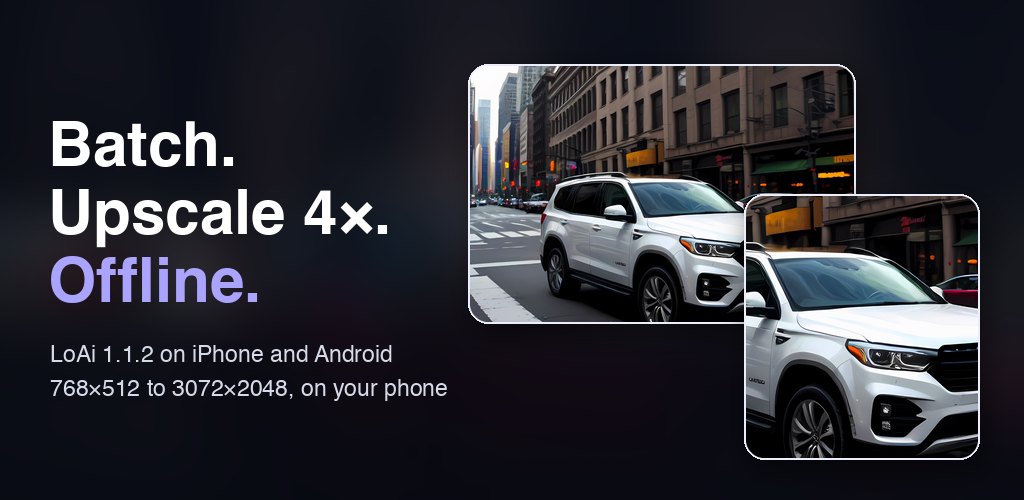
45 seconds: generating in airplane mode, then upscaling 768×512 to 3072×2048.
Batch mode: up to 100 images in one run
Diffusion models are a lottery. The same prompt can give you a great image on one seed and a strange one on the next, so the usual routine is tap Generate, wait, judge, tap again. Batch mode ends the babysitting. Set a Batch size of 1, 2, 4, 10, 25, 50 or 100, or enter your own number, then tap Generate and put the phone down.
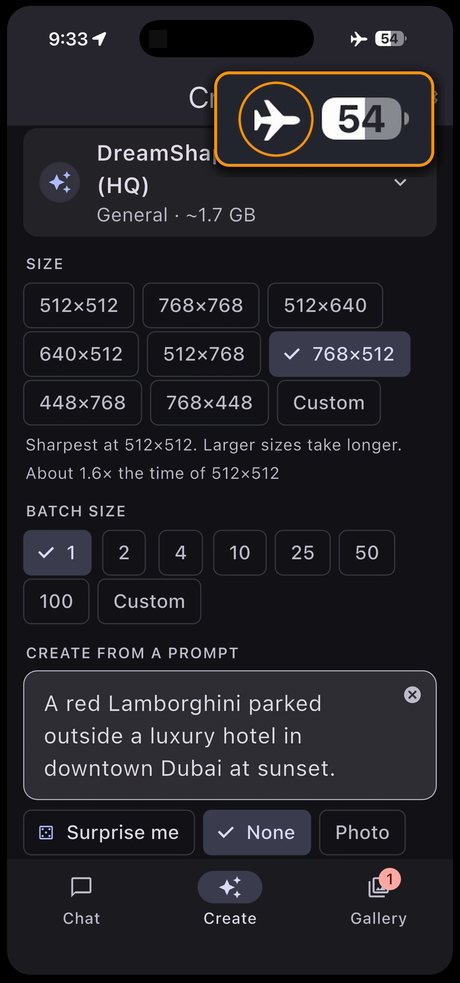
- Every image gets its own random seed, so a batch gives you real variety. Pin a seed and it counts up from there, which makes the run repeatable.
- The model loads once, so no time is lost reloading it between images.
- Nothing is lost if you stop. Cancel a run and the finished images stay in your Gallery.
- The screen stays on during a run. On iPhone, keep LoAi in the foreground, because iOS does not allow GPU work from background apps.
- Save all sends the whole set to your photo library in one tap.
How long does a batch take? In the demo above, DreamShaper 8 LCM (HQ) made each 768×512 image at 5 steps in about 30 to 50 seconds on an iPhone. At that pace, 10 images take roughly 5 to 8 minutes and a full run of 100 takes an hour or more. For the big ones, use a charger.
Upscale 4×: from 768×512 to 3072×2048 on your phone
Phone-sized diffusion models work best at small resolutions, and 768×512 is too small for a print or a sharp wallpaper. Now you can open any image in your gallery and tap Upscale 4×. LoAi runs Real-ESRGAN, an open-source super-resolution model, on the device and saves a copy at four times the width and four times the height. That is 16 times the pixels: 0.4 megapixels becomes 6.3.
Most online upscalers want you to upload the picture, and many charge credits for it. Here the image never leaves your phone.
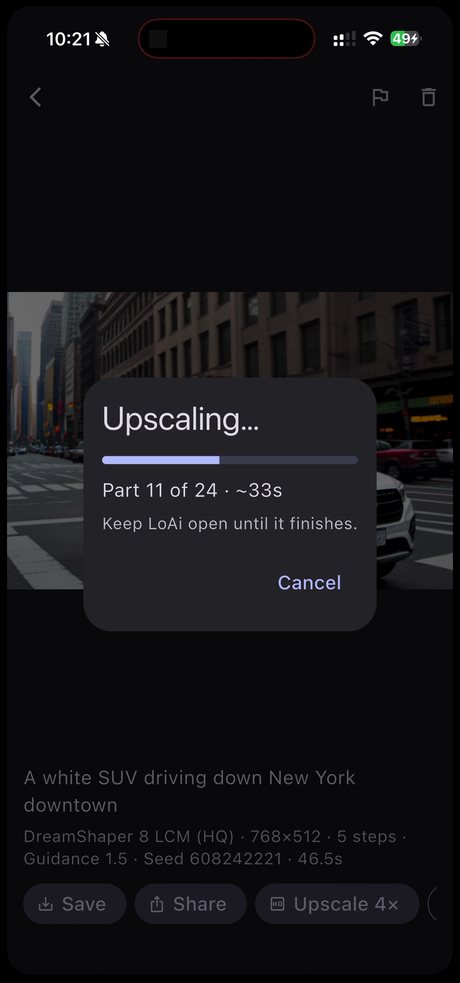
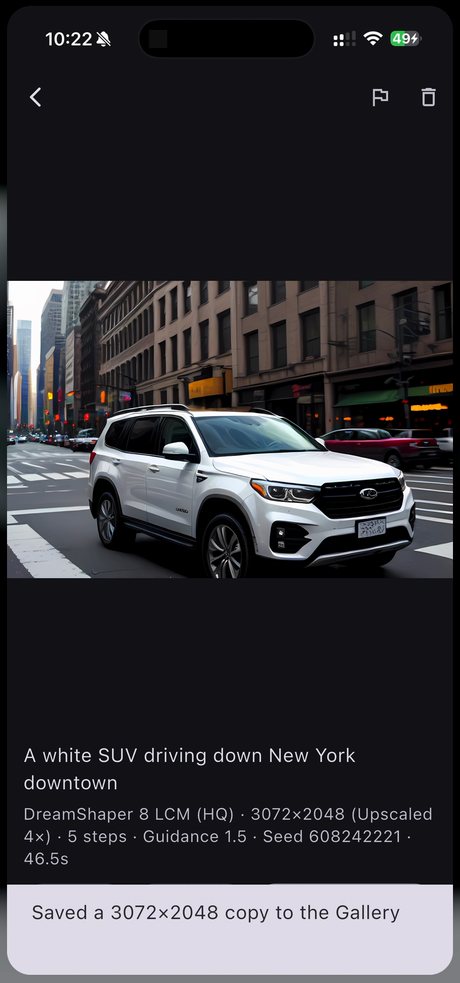
A 768×512 image is processed as 24 tiles, then saved as a new 3072×2048 copy.
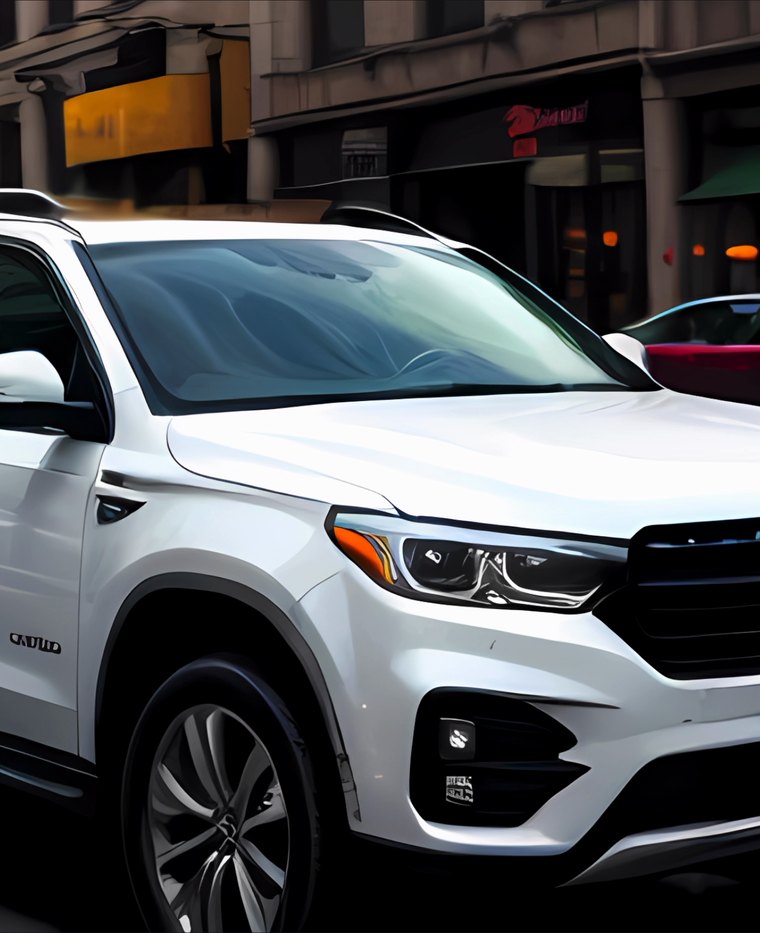
- One small download. The first upscale fetches a one-time 17 MB model. After that, no internet is needed.
- Tiled for phones. The image is processed in 128-pixel tiles, which holds peak memory to about 0.5 GB. On the iPhone in our demo, the 24 tiles of a 768×512 image took about a minute.
- Your original stays. The result is a new PNG next to the original in your Gallery, with the same prompt, seed and settings.
- One pass per image. An upscaled copy can't be upscaled again.
What size will you get?
| Generated at | After Upscale 4× |
|---|---|
| 512×512 | 2048×2048 |
| 512×768 | 2048×3072 |
| 768×512 | 3072×2048 |
| 768×768 | 3072×3072 |
| 1024×576 (custom) | 4096×2304 |
| 1024×1024 (custom) | 4096×4096 |
Can it do 4K? Yes, if you start wide enough. The source can be at most 1024 px on each side, so 4096 px is the ceiling. A 1024×576 custom image upscales to 4096×2304, which is larger than 4K UHD (3840×2160). The more common 768×512 result is closer to 3K.
Custom sizes, free for everyone
The three fixed sizes are gone. Create now offers eight presets in square, 4:5, 2:3 and roughly 9:16 shapes, in portrait and landscape, plus a Custom option for any size from 256 to 1024 px in steps of 64. The app tells you the cost before you commit: 768×512 takes about 1.6× as long as 512×512, and 1024×1024 takes about 5×.
Two faster, one-step models
LoAi's catalog now has seven image models, up from the five in our September guide. The two additions are built for speed, which makes them a natural match for batch mode:
| Model | Label in app | Download | Steps |
|---|---|---|---|
| SDXS DreamShaper | Fastest | ~650 MB | 1 (max 512 px) |
| SD-Turbo | Fast | ~1.9 GB | 1 by default, up to 4 |
Use them to test prompts quickly, then rerun the idea you like on DreamShaper 8 LCM or Realistic Vision 6 Hyper for more detail.
Also worth knowing
- A better gallery. A badge on the tab shows new images, you can swipe between images in the viewer, and a double-tap zooms in.
- Android memory fix. Version 1.1.1 fixed "Not enough memory" errors on 6 GB Android phones.
- Content rules. Since 1.1.1, LoAi refuses sexual, violent and hateful prompts, and every image has a Report button. If you tap it, that image and its details are emailed to our support team.
Honest caveats
- Upscaling adds plausible detail. It can't recover what was never there. A garbled face at 768×512 becomes a sharper garbled face, so pick your best image first.
- Best on clean edges. LoAi uses Real-ESRGAN's compact anime variant. Hard edges hold up well, but fine photographic texture such as skin or foliage can look smoother than a real photo.
- Keep the app open. LoAi asks you to stay in the app until upscaling finishes, and on iPhone it stops if you leave.
- Android takes longer. The upscaler runs on the CPU on Android, so it can take longer than on a recent iPhone.
- Long batches are heavy work. Expect heat and battery drain on anything beyond a handful of images.
- Storage adds up. An upscaled PNG has 16 times the pixels of its source and takes far more space.
What's free and what's Pro
| Feature | Free | LoAi Pro (one-time) |
|---|---|---|
| Text, sketch and photo to image | ✓ Unlimited | ✓ Unlimited |
| Batch size per run | Up to 2 | Up to 100, or a custom count |
| Upscale 4× | 3 in total | Unlimited |
| Custom sizes and all catalog models | ✓ | ✓ |
| Offline AI chat, vision and document Q&A | ✓ | ✓ |
| Import your own custom models | — | ✓ |
| Ad-free | — | ✓ |
There are still no credits and no monthly subscription. Pro is a single purchase. Only finished upscales count toward the free three, so a cancelled or failed one costs nothing.
LoAi — Offline Image Generator
Batch-generate AI images and upscale them 4× on your phone, with no internet, no credits and no subscription. Private AI chat included. iOS & Android.
FAQ
How many AI images can LoAi generate at once?
Up to 2 per run on the free version and up to 100 per run with Pro, which also allows a custom count. Images are made one at a time, and anything already finished is kept if you stop early.
Does LoAi's 4× upscaler work offline?
Yes. It needs a one-time 17 MB download the first time you use it. After that, upscaling runs entirely on your phone with no internet connection.
Can LoAi upscale images to 4K?
Yes, from a wide enough source. The upscaler multiplies each side by four and accepts up to 1024 px per side, so the ceiling is 4096 px. A 1024×576 image becomes 4096×2304, which is larger than 4K UHD. A 768×512 image becomes 3072×2048.
Are batch mode and upscaling free?
Partly. Everyone can run batches of 2 and gets three upscales in total, and cancelled or failed upscales do not count. A one-time Pro purchase unlocks batches of up to 100 and unlimited upscaling, removes ads and allows custom model imports. Generating images one at a time stays free and unlimited.
How long does upscaling take on a phone?
On the iPhone in our demo, a 768×512 image took about a minute, processed as 24 tiles. Bigger images have more tiles and take longer. On Android the upscaler runs on the CPU, so it can take longer.
Does upscaling replace my original image?
No. LoAi saves the upscaled image as a new PNG next to the original in your Gallery, with the same prompt, seed and settings.
Can I upscale photos from my camera roll?
The Upscale 4× button is in LoAi's image viewer, so it works on images in your LoAi gallery, including results from text, sketch and photo mode. It is not a general enhancer for photos you have not run through LoAi.
Are my prompts and images private?
Generation and upscaling happen on your device, and your prompts and images are not uploaded. An image only leaves your phone if you choose to share it or report it.